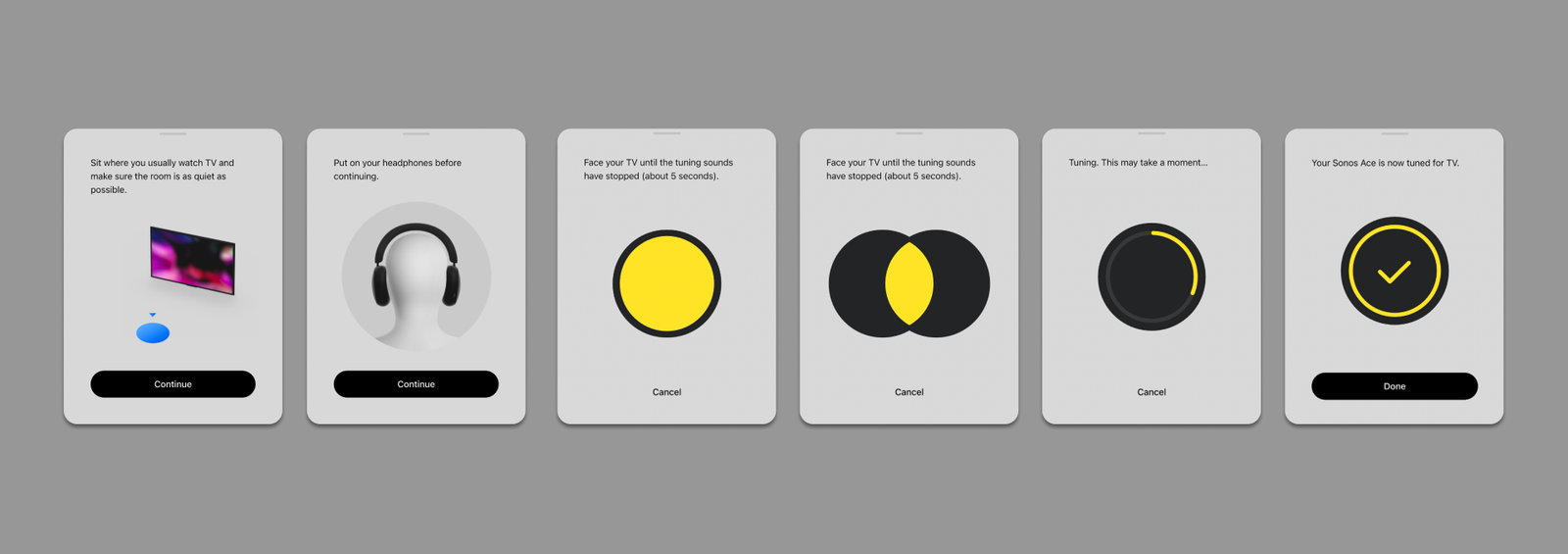
Sonos Ace’s hero feature, 'TV Audio Swap' allowed users to truly integrate their headphones into their Sonos system. The premise was simple - press a button and audio would switch from playing out loud from the soundbar to the user’s headphones - but it was a technically complex feature that needed to appear seamless and magical to the user. The 'magic' came from spatial audio rendering and head tracking that tricks the user into hearing the audio as if it was still playing out loud.
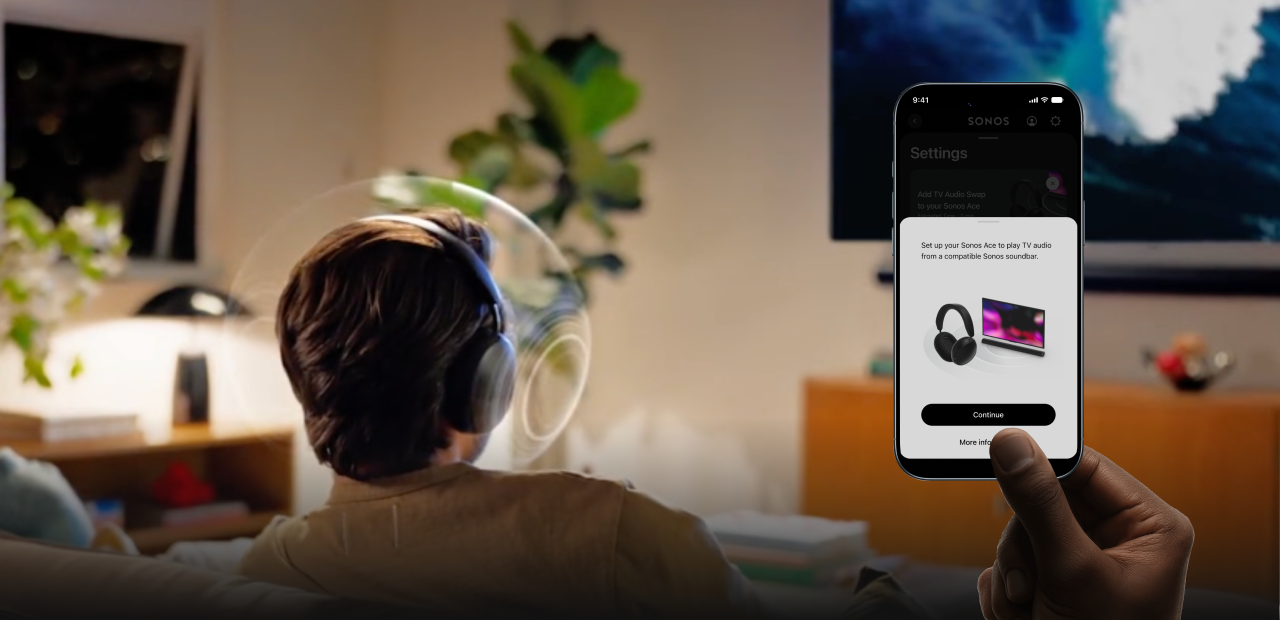
Sonos - TV Audio Swap
The Brief
Seamlessly connect headphone users to their TV
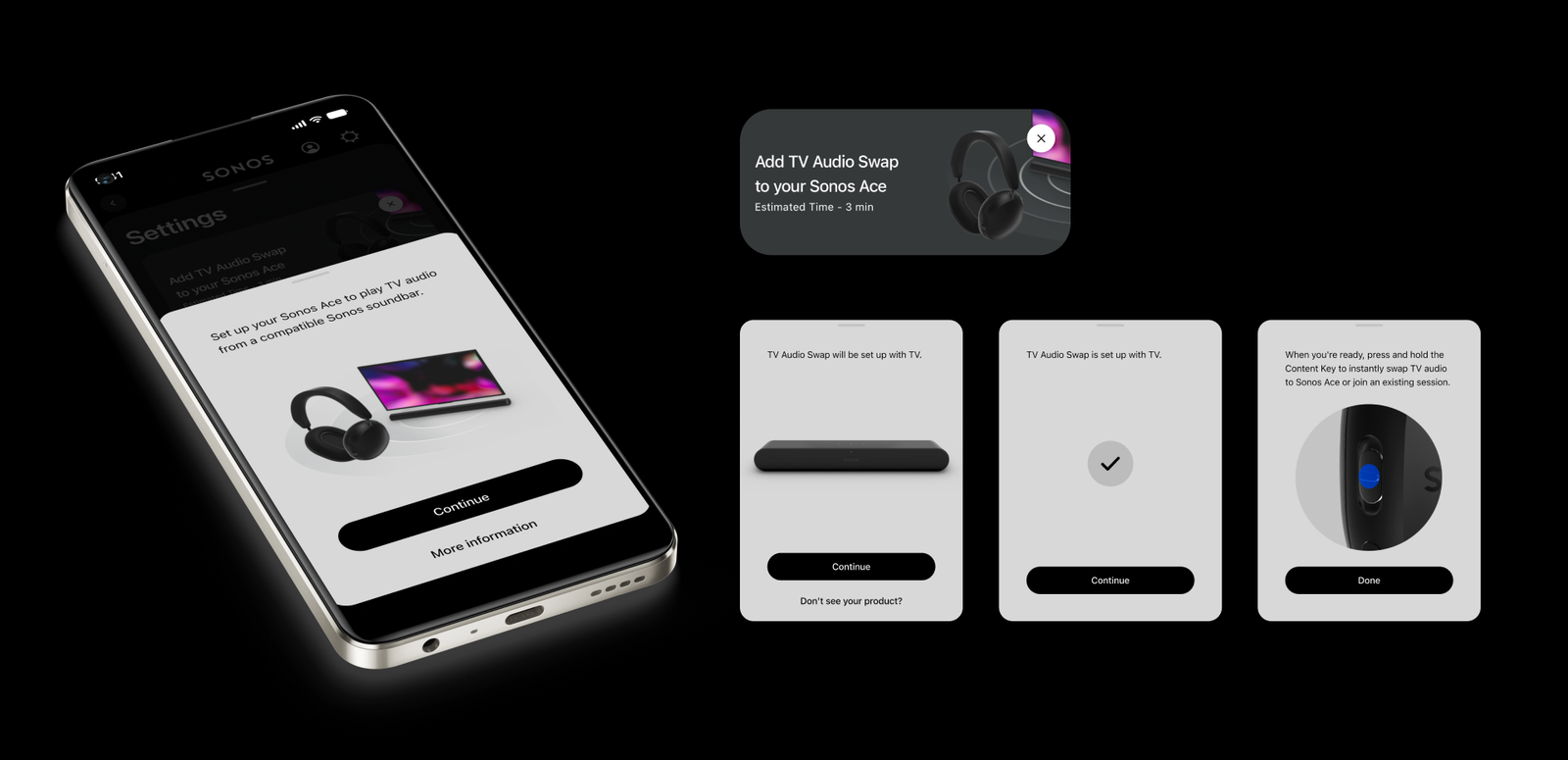
The Problem
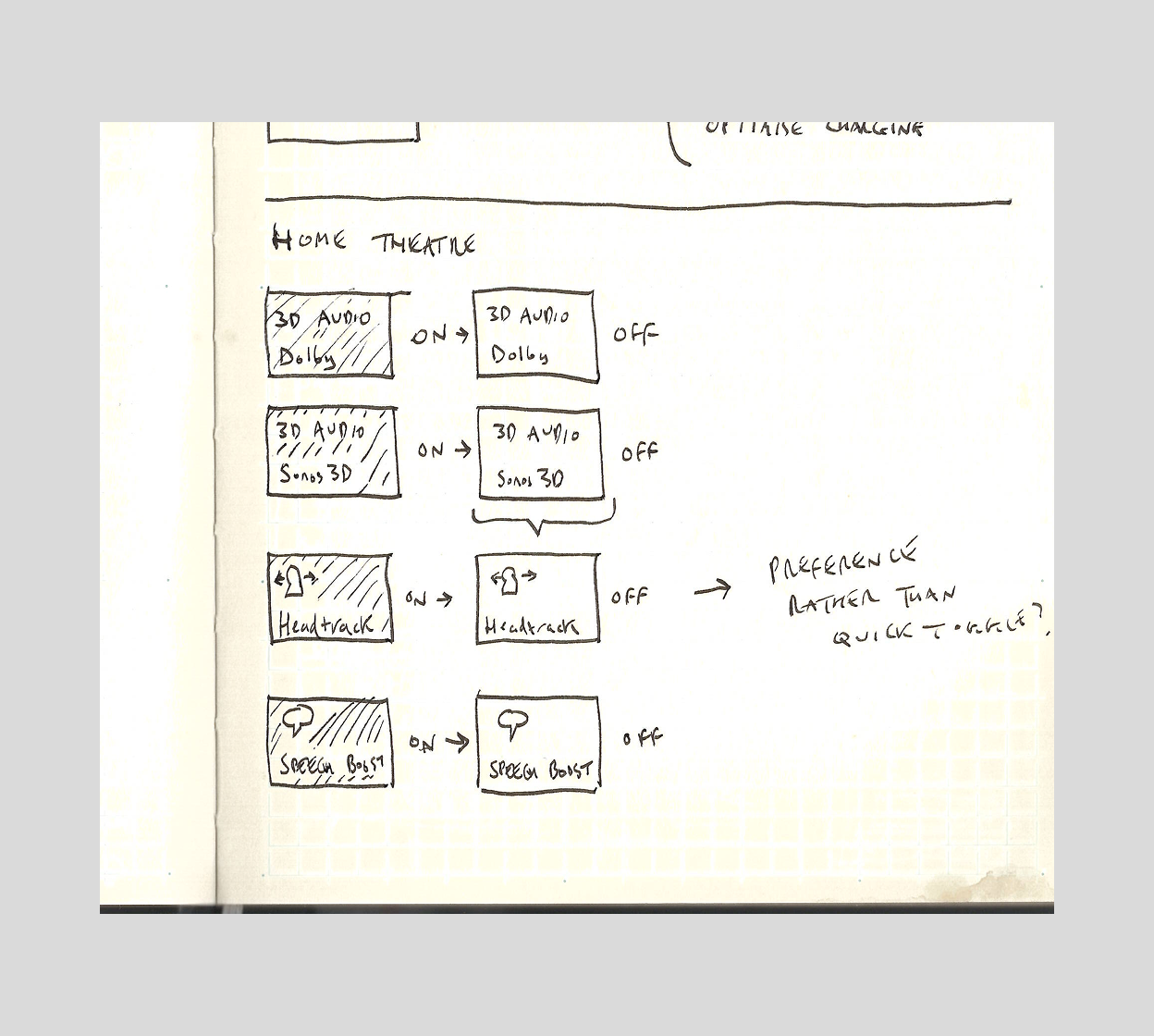
The feature didn’t work ‘out the box’ so users had to set up the feature via the app. Once set up was complete, users needed to be able to turn the feature on quickly and enable or disable related settings.
Process
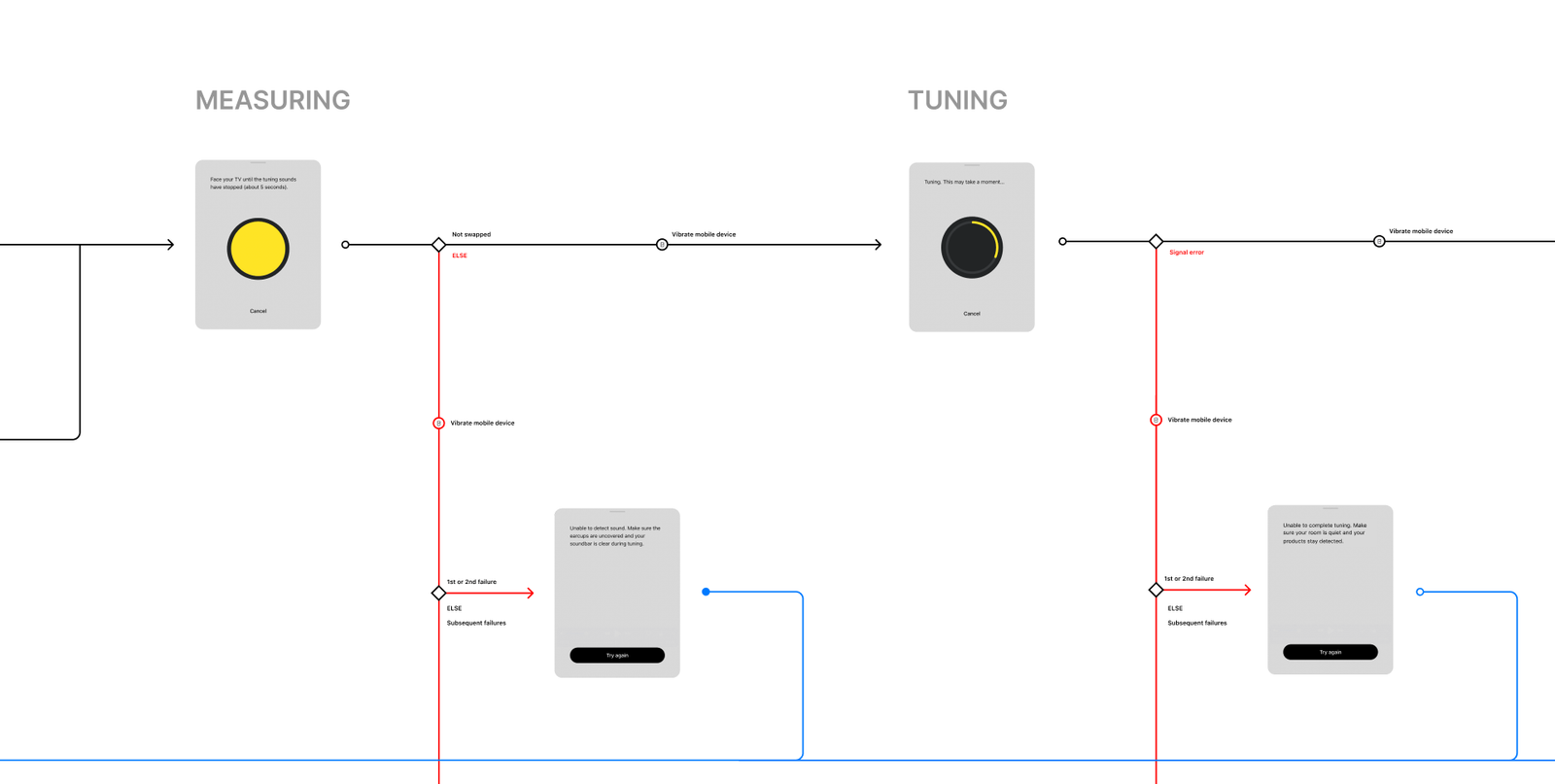
Working closely with the audio team, I developed the user flow diagrams and Figma prototypes which were tested with real Sonos customers. As part of the process we did additional user testing of the TV audio experience in a lab in the Sonos studio space. It was vital to recreate an environment that felt like the user’s own home and observe those users whilst they interacted with the feature to gather qualitative data.
TrueCinema
Another major component of the experience was a sub feature called TrueCinema. TrueCinema was highly technical audio feature that calibrated the sound of the headphones, to make them sound more realistic and immersive. This was done by capturing the acoustics of the room, and automatically adjusting the binaural rendering on the headphones. This process had to feel quick, seamless and invisible to the user, but there were potentially a lot of errors that could occur.